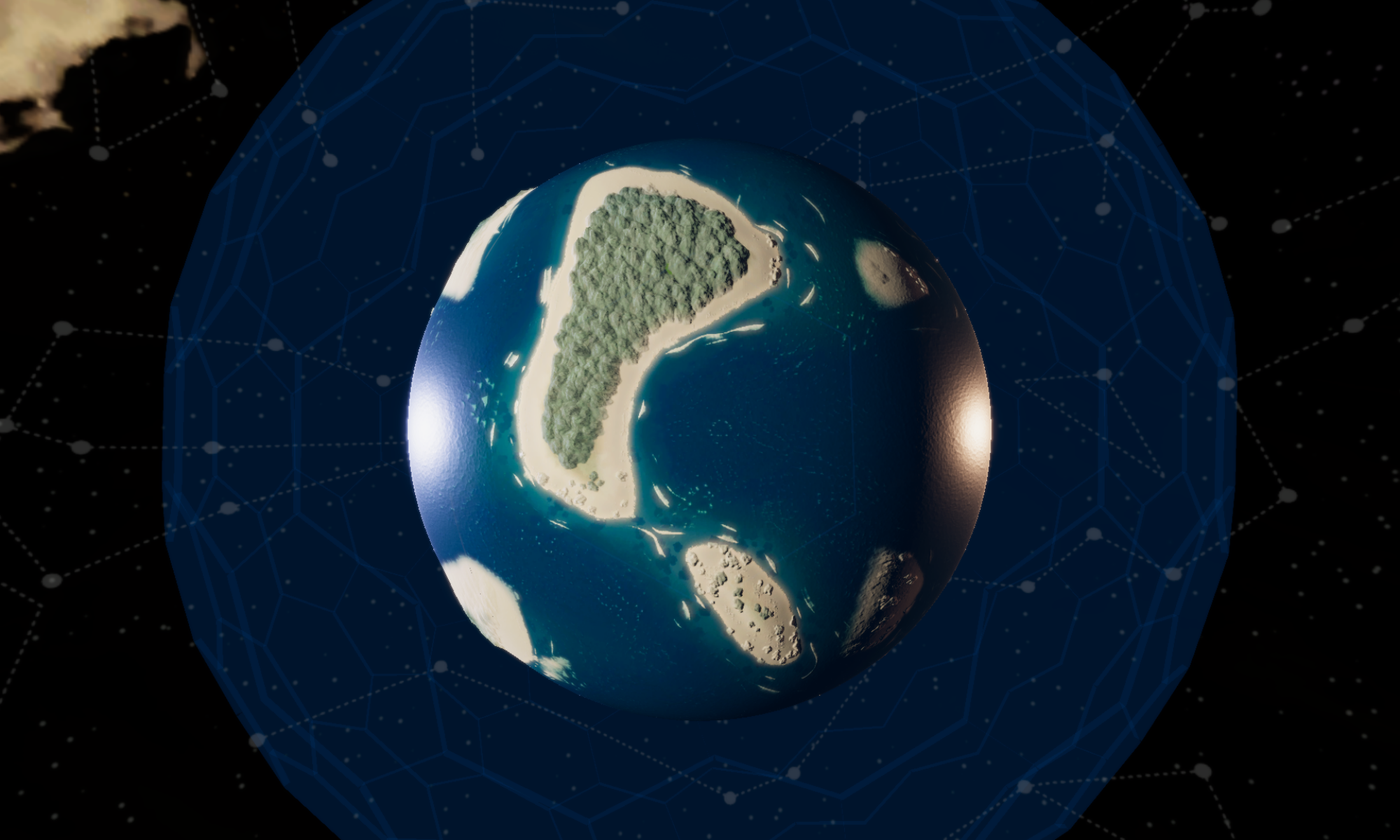


One of the main inspirations for our game is HADES. Not just the camera perspective, but some of the features in movement and combat are inspired by Supergiant’s Opera Magna.
One of these features we are copying inspired by is Zagreus’ Dash
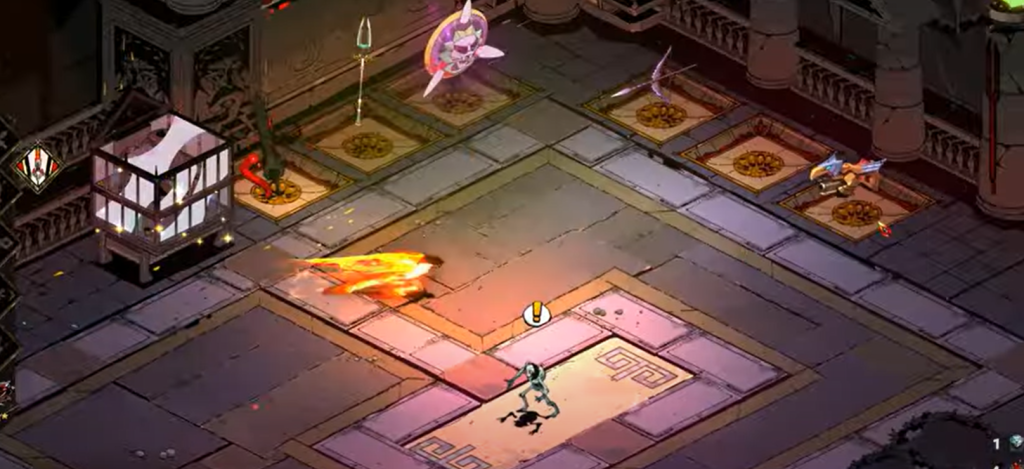
It’s super snappy, responsive, and very expressive.
In Unreal Engine getting this dash to work is incredibly simple, or so it seemed at first.

The Sweep option makes sure the character won’t go through a wall or an obstacle. This will poll against any object in the way that can be collided with, which is nice, but I want to evade other characters, enemies, and some objects, so before the dash we have to change the way this character interacts with other object types.

Once the movement is over I just have to turn these back to block and it’s done… right?
Well………..
This strategy has one huge downside, any texture in the ground would be registered as a collision, even though the capsule would slide right through when walking. Ok, no biggie, I just have to make sure every floor is perfectly flat and smooth… right? Well…. this also means if I want any vertical movement in the level design, like stairs or a ramp or whatever, the dash won’t work properly on those.
So this solution is too simple to be true, and so it happens I have to come up with something different.
The new dash, now with vertical movement
I had to refactor every single aspect of this dash, from the input to the execution, everything.
Calculating the new position
For the new dash to work on rough surfaces, elevations and steps, I need to calculate a possible point to land. This is achieved by proyecting rays to the ground from a very tall elevation, at different distances in the direction of the dash.

The line trace polls only for WorldStatic objects, ignoring characters and movable objects (I might have to refactor this if we ever want to include moving platforms. Foreshadowing?). It starts in front of the character at the max distance of the dash, and 10 meters high, goes straight down to 10 meters deep. If an object is found, I ask if it has a ground tag, I have several ground tags to change the sound of the steps, if it does have a ground tag we have some floor to land on, if it fails it’ll try again at a shorter distance, up to 5 times.
Let’s say the ground check is successful, we have ground to land on. Then we have to make sure we won’t go through any walls. This is trickier that it sounds, since the new dash needs to be compatible with elevations and steps, I can’t just trace a line from the character to the target point, it might hit a corner of a step and fail. So I trace two lines, one at the elevation of the character and one at the elevation of the target point. I want these traces to fail, I mean, to not hit anything.

In summary, 5 traces from top to bottom looking for ground, two more checking if there’s no obstacle in sight. Here’s how it looks with debug turned on:
The input
This is more a quality of life thing… I can calculate the new dash position at the moment the player decides to dash, but…. what if I can give the player a way to visualize where they’ll land. So I changed the input from on pressed (the exact frame the player hits the button) to on release (the frame the player lets go the button). During the time the player is hitting dash the game is calculating the new position and I made a little thingy that helps visualize the landing position of the dash.